Open and share your Wall of Wins
You open the cards you have earned, and you save one as a picture.
Open your Wall of Wins
You want all the cards you have earned in one place.
- 1
Open Wall of Wins from Home
Tap a tab: All, Milestones, Months, Quarters, Years or Other

Phone: the filter tabs - 2
Scroll the cards under the tabs
Read the win on each card
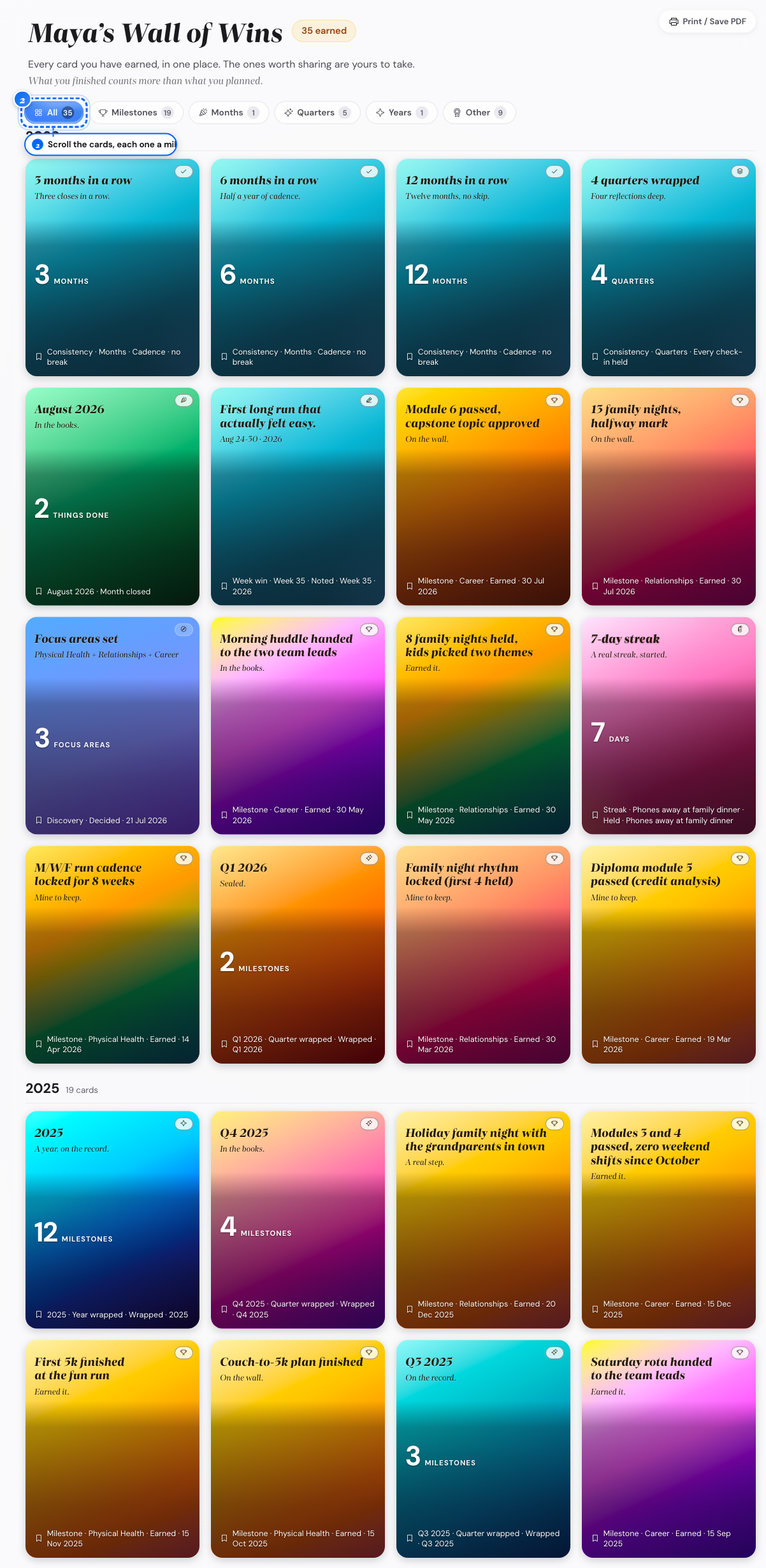
Desktop: the card grid - 3
Tap any card
Open its poster
What follows
- You see the Wall of Wins row on Home after you earn your first card.
Save or share a Wall of Wins poster
You want a win as a picture you can keep or post.
- 1
Find the card to share
Tap it to open the poster

Phone: the poster 
Desktop: the poster - 2
Look for Share card on the poster
Tap Share card
Your device opens its own share sheet.
- 3
Look at the poster on a computer
Tap Save as image
The picture downloads to your device.
What follows
- Share card shows only on a device that can share a file; other devices use Save as image.