Start a habit, mark it, and change it later
You add habits, mark them each day, and make them smaller when they get too big.
On this page
Add a habit from Habits
You want a new habit, from a ready-made preset or a blank form.
- 1
Open the Habits tab on a phone
Tap New habit to start
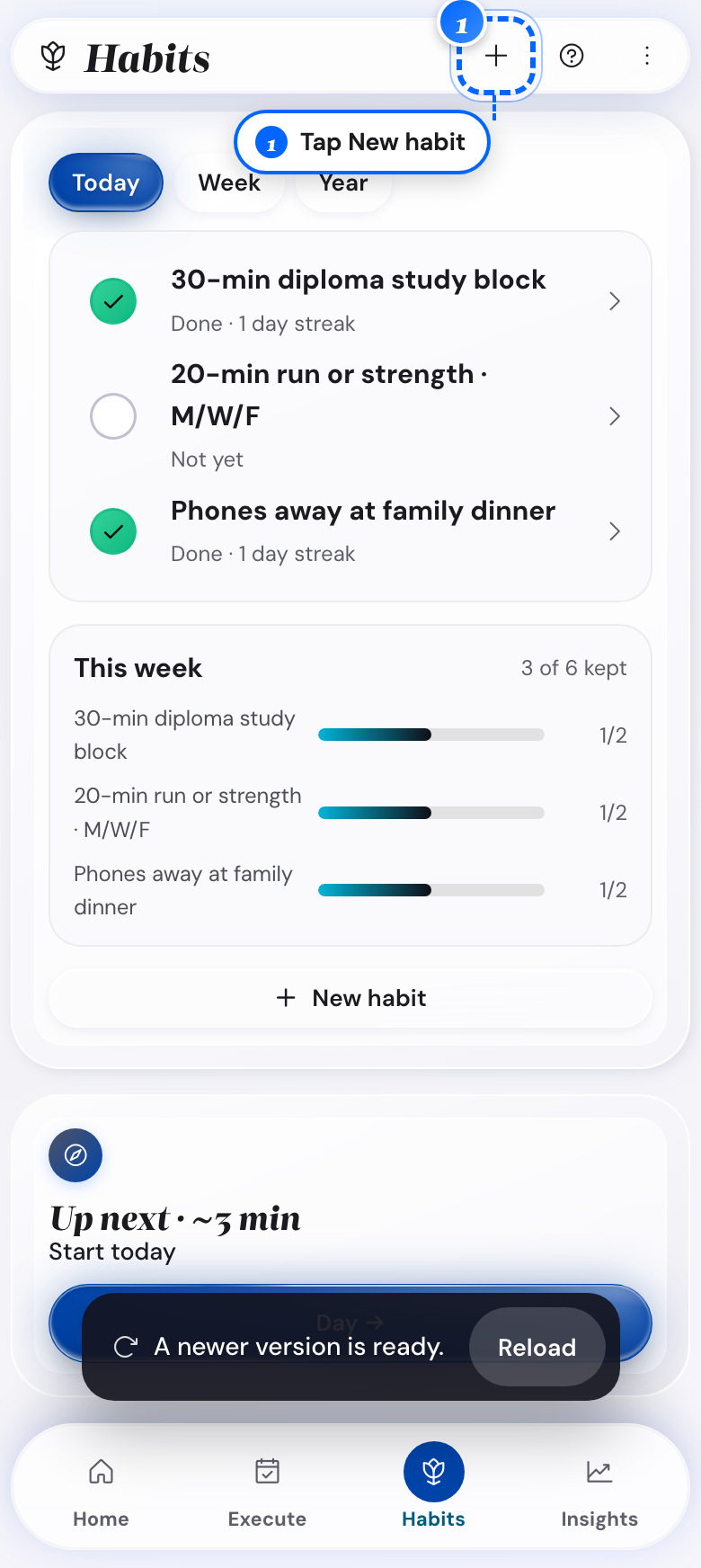
Phone: the new habit button - 2
Open Habits on a computer
Tap New habit to start
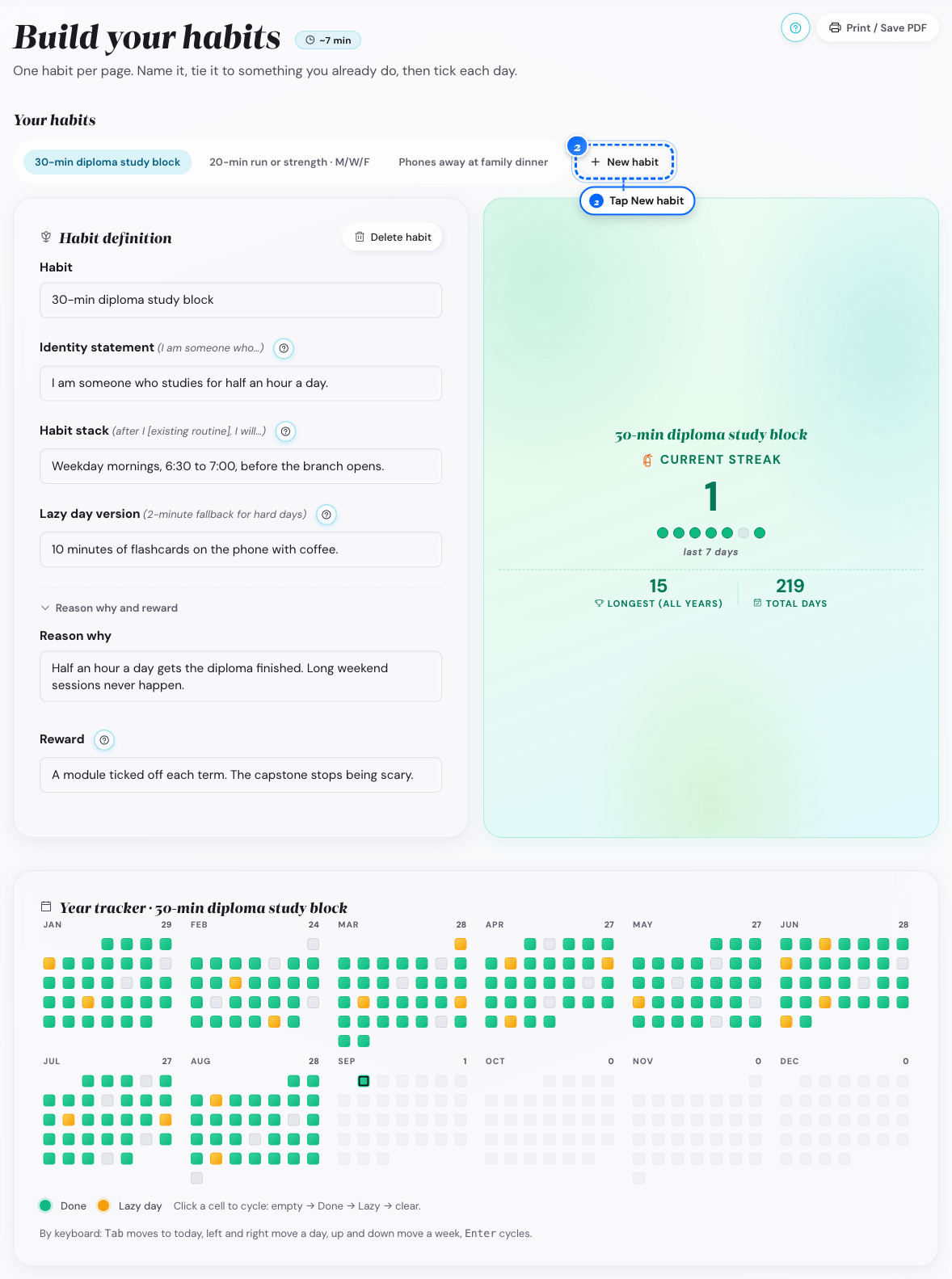
Desktop: the new habit button - 3
Look in the New habit sheet
Tap Pick from the Library, or tap Start blank
- 4
Look at the Habit field
Type the smallest version of the action
- 5
Look further down the editor
Fill in Identity statement, Habit stack and Lazy day version
- 6
Look at the row This habit supports
Pick one or two life areas, or leave it empty
What follows
- A blank habit starts with its name only, and the other fields stay empty until you write them.
- A habit from the Library comes with its fields already written, ready to edit.
- Linking a habit to a life area is called Habit Linking. Your focus areas come first, and the other life areas are under Other areas.
- Plan status shows a focus area that no habit supports, once one of your habits links a life area.
Remove a habit that is not working
You want a habit off your list, and you want to know what goes with it.
- 1
Open Habits on a computer
Tap the habit's tab
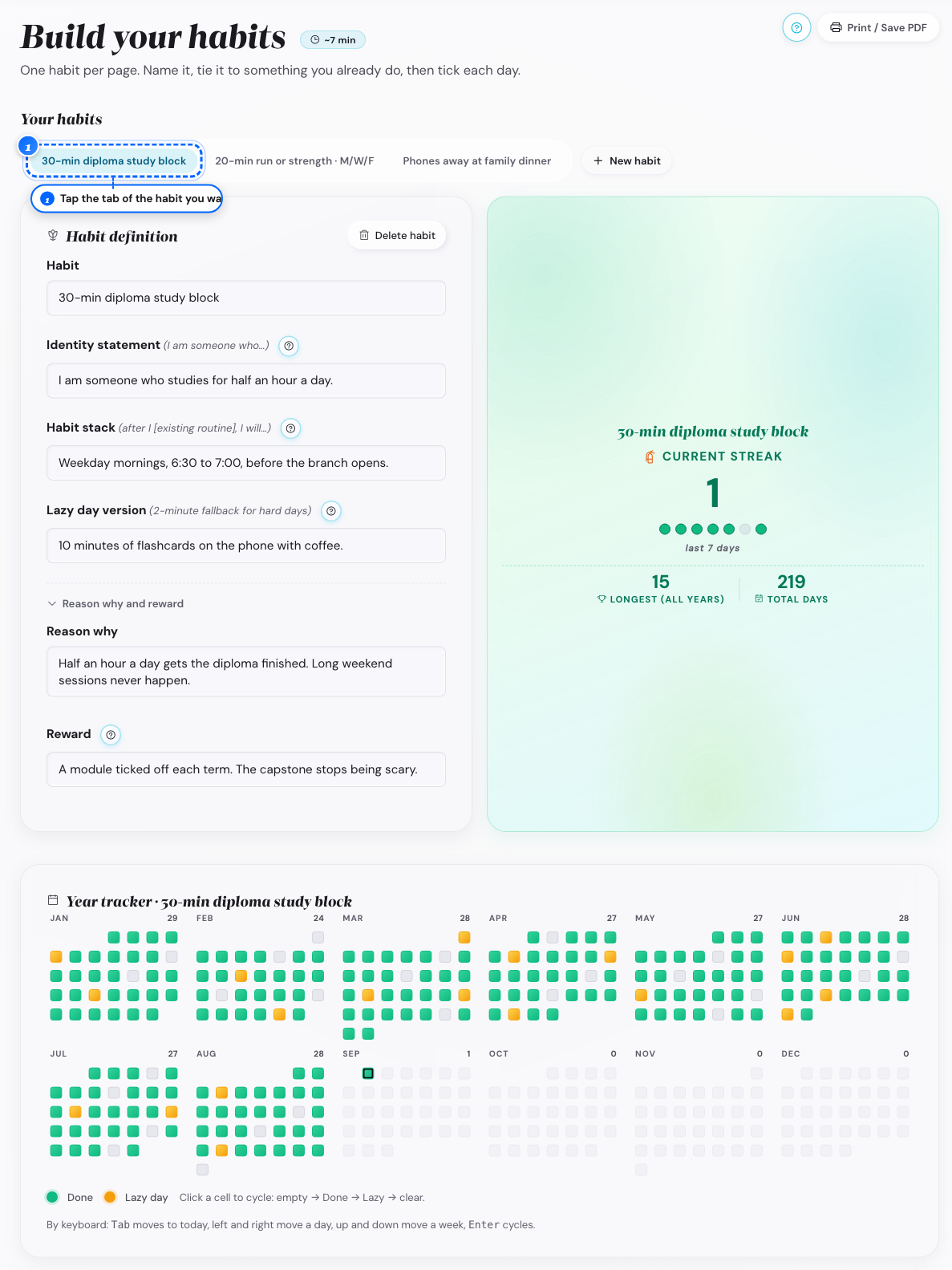
Desktop: the habit tabs - 2
Look at the top of the Habit definition panel
Tap Delete habit
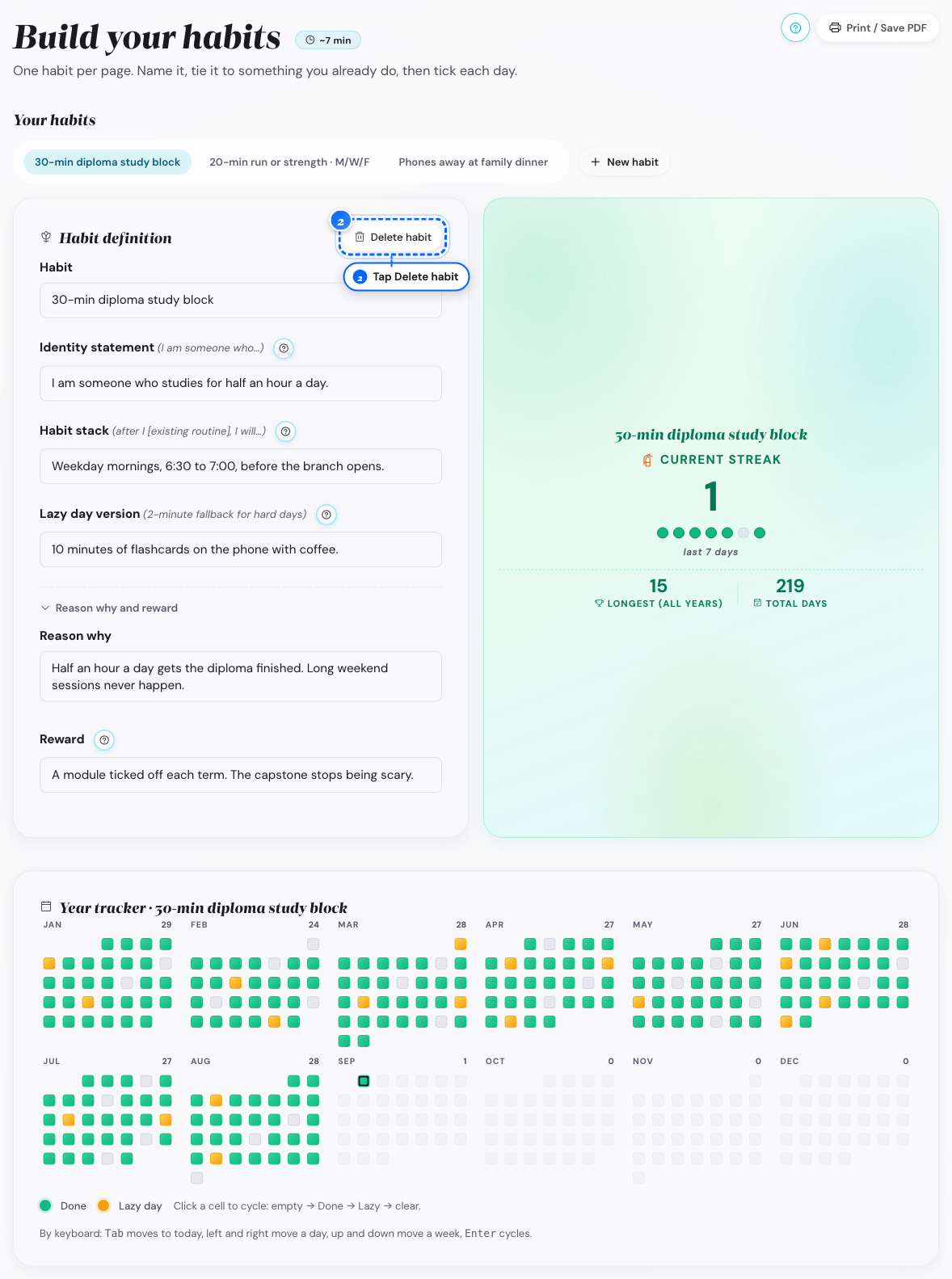
Desktop: the delete button - 3
Look in the confirm window
Read what a delete removes
- 4
Look at the same window
Tap Delete habit to confirm, or tap away to cancel
What follows
- A delete is permanent: there is no archive and no way to bring the grid back.
- The year wrap-up has nothing about a deleted habit, so keep it with an empty grid instead.
Set a habit stack with a trigger
You want the habit tied to something you already do.
- 1
Open the habit's row in Habits
Open the habit editor
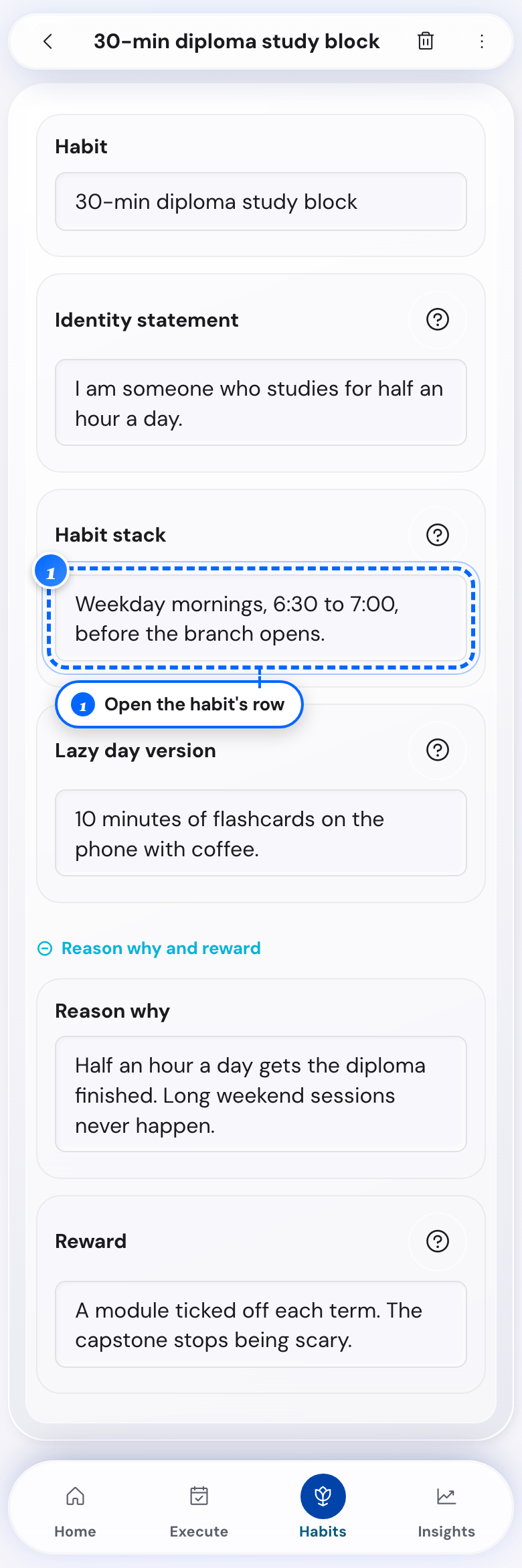
Phone: the habit editor - 2
Look at the Habit stack field
Write after I (existing routine), I will (new habit)
What follows
- The Habit stack field is the only trigger the app keeps; there is no reminder time for a habit.
Edit a habit's wording
A habit you set up earlier needs a different action or trigger.
- 1
Open Habits
Open the habit's row
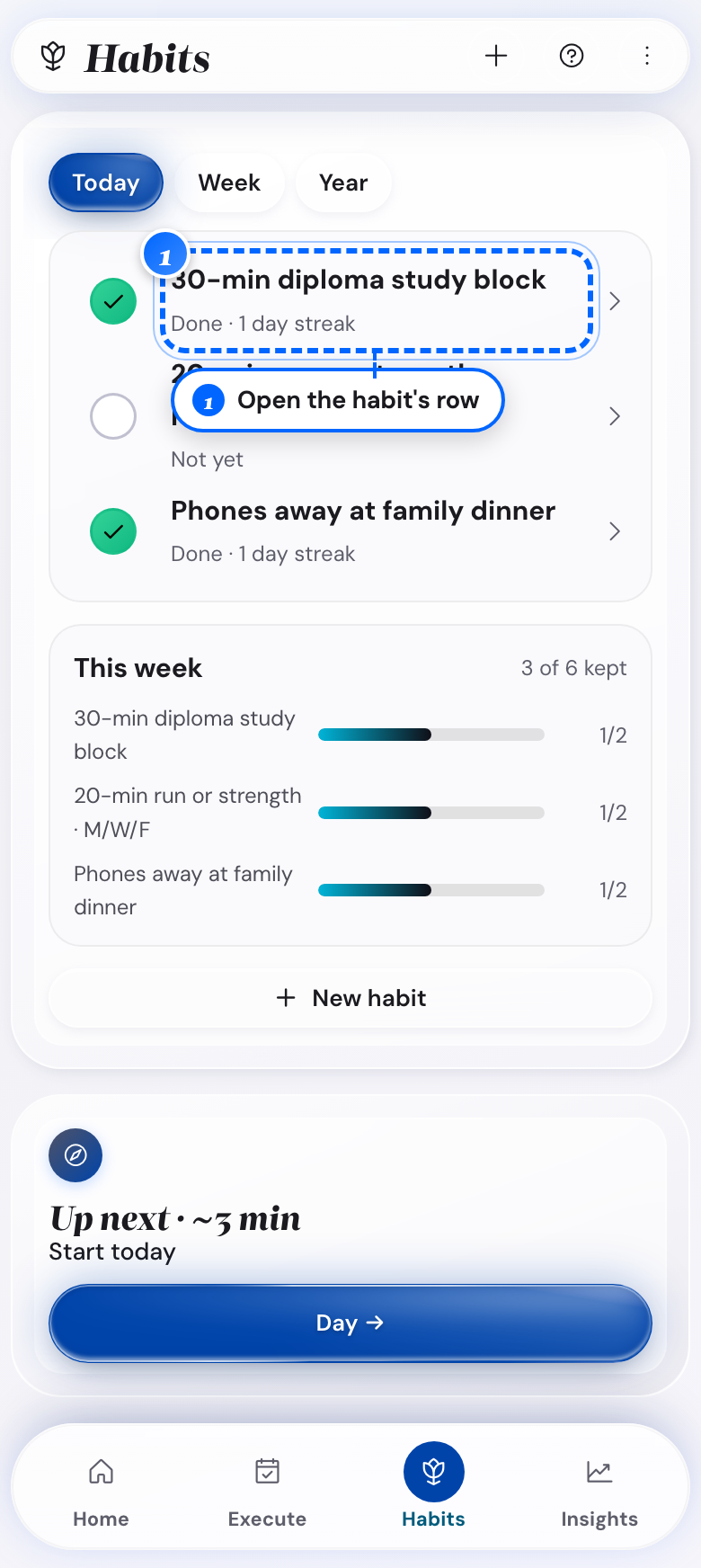
Phone: the habit row - 2
Look at any field in the editor
Type the new wording
- 3
Finish typing
Move to another field, or tap away
The change is already there.
What follows
- The change applies from today, and past days keep what you checked off under the old wording.
- Pick the days for each habit under Habit days. Your streak counts only those days.
Add a habit from your day screen
You think of a habit while looking at today, and you want it in now.
- 1
Open Execute and go to today
Tap Set today's plan
The Review tab unlocks next to Plan.

Desktop: the plan button - 2
Open the Review tab, under Check off your habits
Type the habit's smallest version in Add a habit

Desktop: the add field - 3
Look next to that field
Press Enter, or tap Add
It gets its name only.

Desktop: the add button - 4
Look in the same section
Tap Edit habit for the other fields

Desktop: the Edit habit button - 5
Pick the new habit at the top of the window
Fill in the remaining fields

Desktop: the habit fields
What follows
- The habit is tracked from today, with no history before the day you added it.
- Add a habit shows only after you set the plan and open the Review tab.
Make a habit smaller
A habit feels too big to keep up, and you want it sized for consistency.
- 1
Open the habit's row in Habits
Open the habit editor
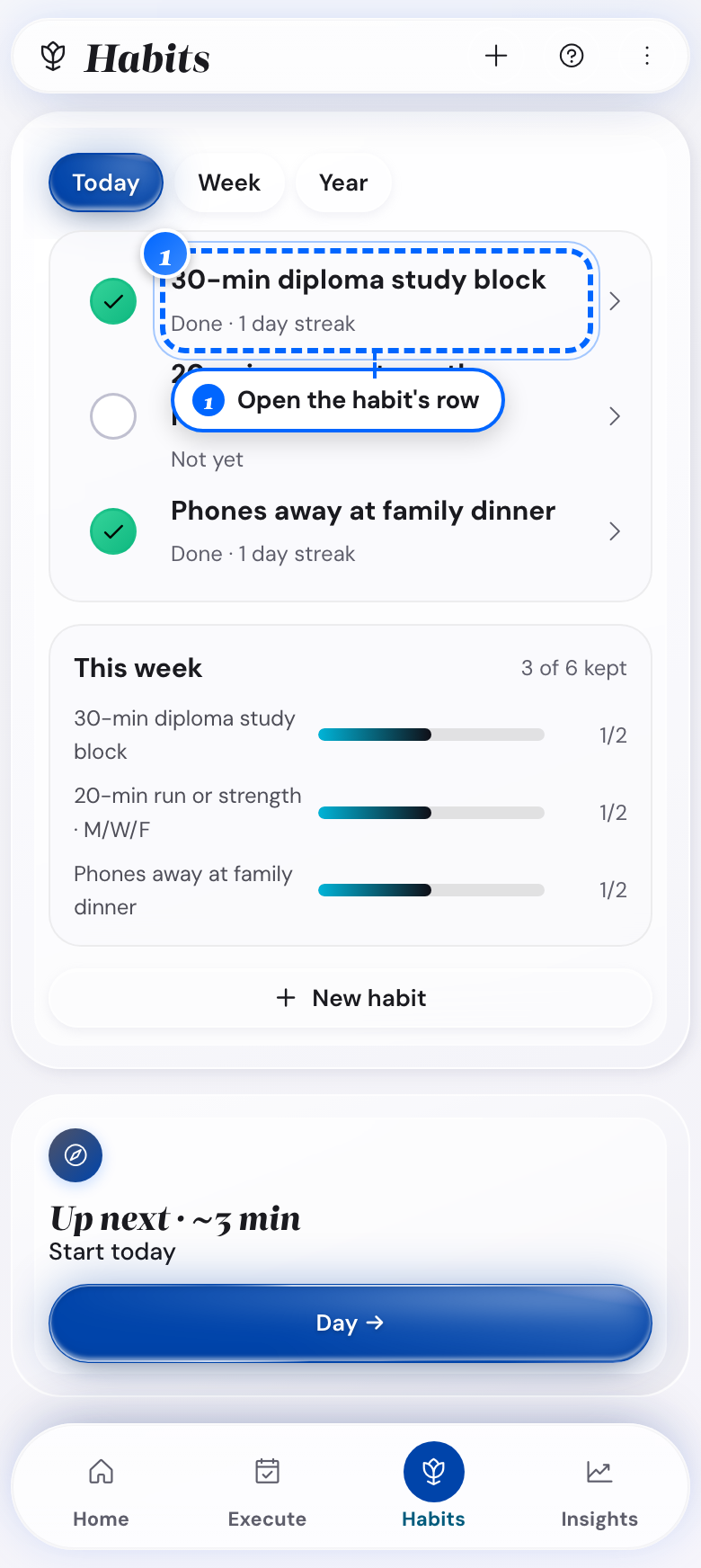
Phone: the habit row - 2
Look at the Habit field
Rewrite the action smaller, for example 500 words instead of 1,000

Desktop: the habit field - 3
Look at the Lazy day version field
Shrink that version too
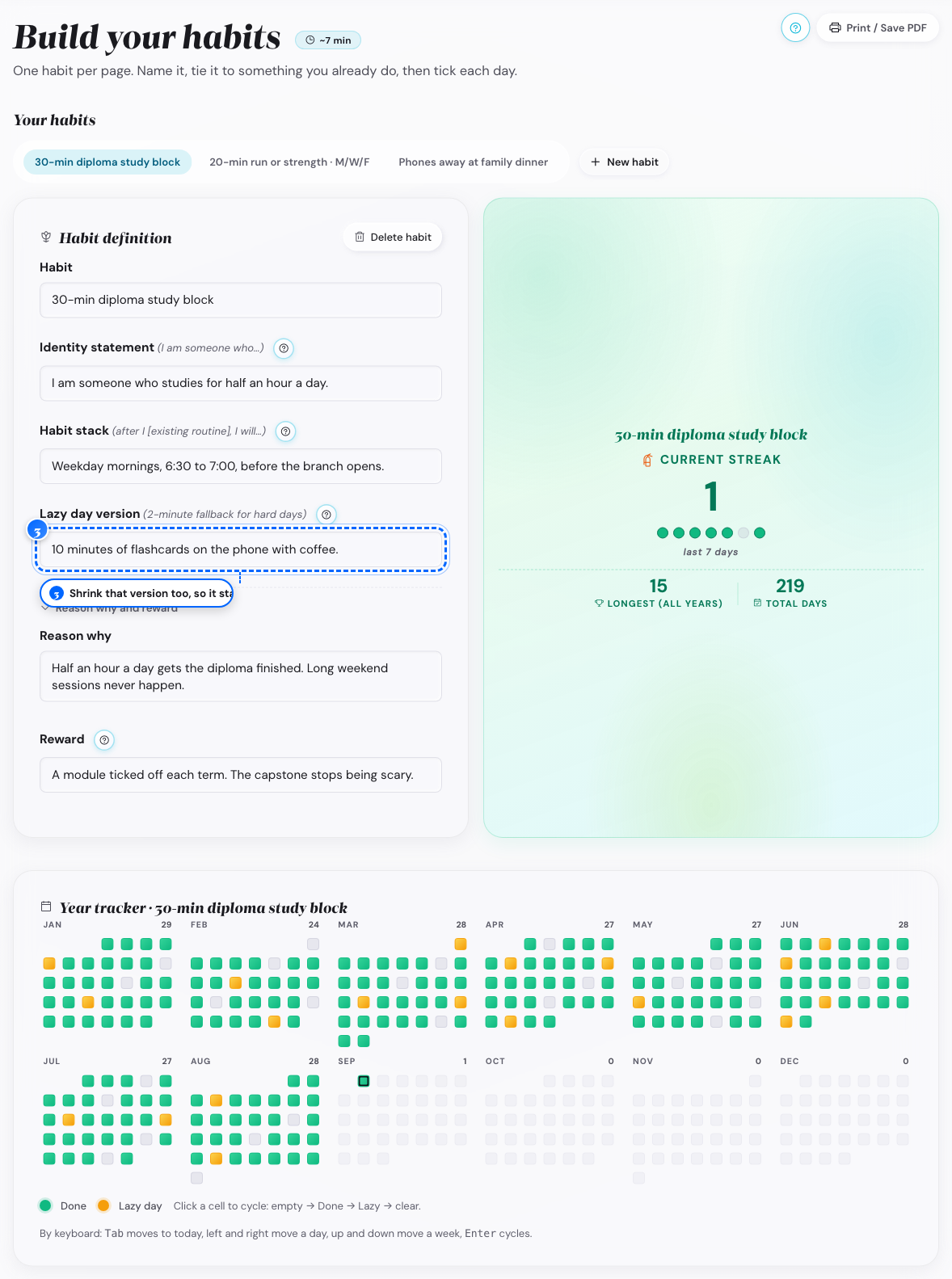
Desktop: the lazy day field - 4
Look at the whole habit again
Rename it as your stretch goal, and add a smaller daily habit
What follows
- The streak and the history stay when you edit the action in place.
- A second, smaller habit starts a new streak at zero.
Mark your habits each day
You want each habit marked done, or lazy, without opening Habits.
- 1
Open Execute on the phone for today
Find the Habits card
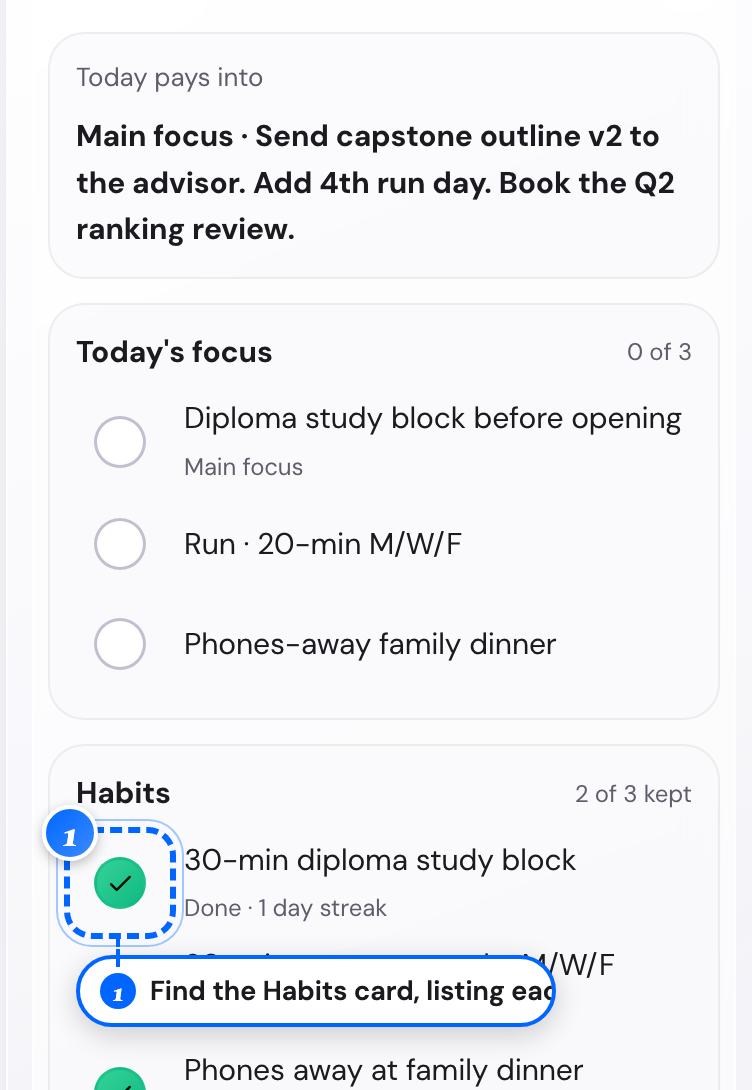
Phone: the habits card - 2
Open the day panel on a computer
Tap Set today's plan to unlock the Review tab
- 3
Open the Review tab, under Check off your habits
Find the same list of habits
- 4
Look at a habit row
Tap once for Done, again for Lazy day, again for Not yet
- 5
Open a day you missed
Check it off there with the day arrows or the period sheet
What follows
- A Lazy day counts the same as Done for the streak, in amber instead of green.
- An empty day ends that habit's current streak, and your longest streak stays.
See the Two-day Rule after a miss
You missed a habit's full version, and you want to know what a lazy mark does.
- 1
Look at the habit's row on a hard day
Mark it Lazy day
The streak keeps going.

Phone: the lazy mark - 2
Look at the same row the next day
Mark it Done
You earn the comeback badge the first time.
What follows
- An empty day ends the streak, and only a Lazy day mark protects it.
- The comeback badge comes once per account, and later recoveries still keep the streak.
Write a lazy day version for a habit
You want a version so small you can do it on a bad day.
- 1
Open the habit's row in Habits
Open the habit editor

Phone: the habit row - 2
Look at the Lazy day version field
Write the smallest action for a hard day
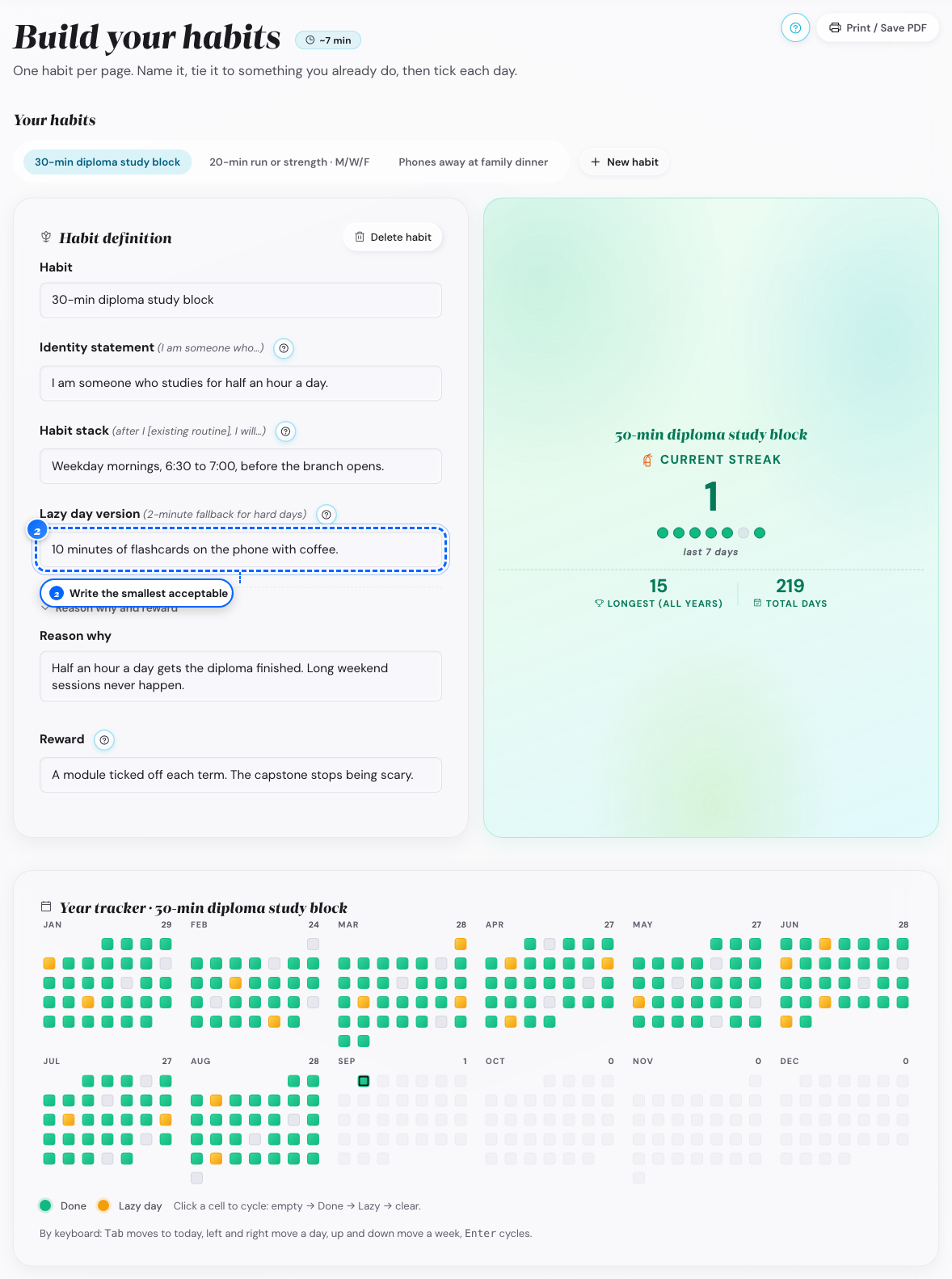
Desktop: the lazy day field
What follows
- A ten minute walk instead of a thirty minute run is the right size.
- A lazy day mark keeps the streak going, the same as a full Done.