

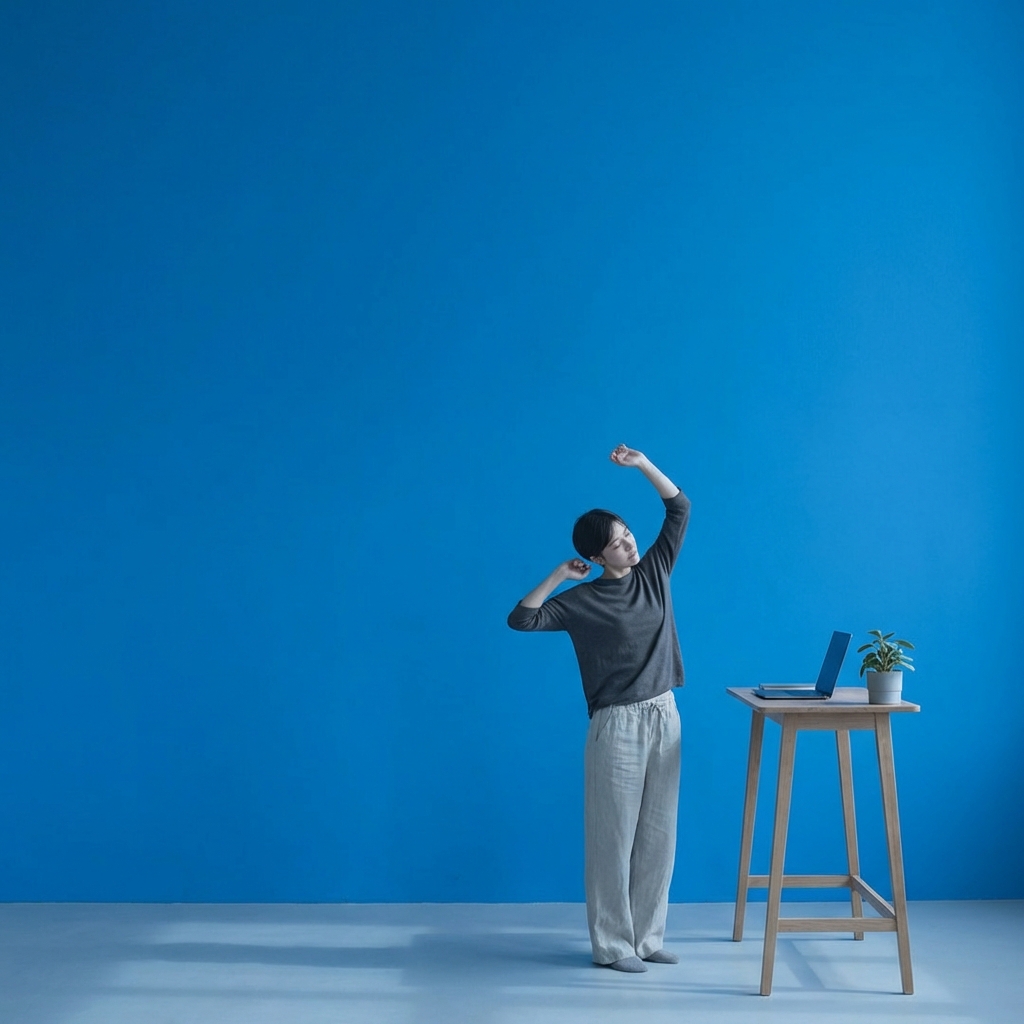
The Standing Desk Promise Versus What Research Actually Shows
You’ve heard the claims. Standing desks boost productivity by 45 percent. They eliminate back pain. They’re a game-changer for your work setup. Then you read the fine print and find studies that say they don’t work at all, or worse, that prolonged standing causes its own problems. One source says standing beats sitting. Another says the difference barely matters.
Standing desk productivity guide – A structured approach to using a standing desk that maximizes the actual benefits research shows (reduced discomfort, more movement breaks, better circulation) while avoiding the common mistakes that cause most owners to abandon them within three months.
The confusion makes sense. Standing desks aren’t sold as “position-changing tools” – they’re marketed as a solution to sitting. But here’s what the research actually says: standing desks aren’t about standing. They’re about moving. The real productivity gain comes not from standing more, but from alternating between positions regularly. That distinction changes everything about how you should use one.[1]
What You Will Learn
- Why the sitting-versus-standing debate misses the actual benefit of standing desks
- The Standing Desk Optimization Framework for maximizing real productivity gains
- How to calculate your ideal sit-stand ratio based on your work tasks
- Common mistakes that waste the potential of a standing desk investment
- How to transition safely without the discomfort that makes most users quit
Key Takeaways
- Movement beats position. Alternating between sitting and standing every 30-60 minutes delivers more benefit than standing all day.
- Productivity gains develop over time, increasing from 23 percent in month one to 53 percent after six months of consistent use.[1]
- The strongest research finding isn’t productivity – it’s comfort. Standing desks reduce discomfort by 50-80 percent more effectively than sitting-only desks.[2]
- Most people abandon standing desks within three months because they misjudge the sit-stand ratio and stand too much, leading to lower limb fatigue and circulation concerns.
- Task-specific positioning works better than fixed heights. Creative work often benefits from standing; detailed analytical work may benefit more from sitting.
Why the Standing-Versus-Sitting Frame Is Itself the Problem
Here’s the honest part most standing desk articles skip: the science on standing desk productivity is genuinely mixed. A 2021 workplace intervention review examined eight studies on productivity outcomes. Three showed increases. Four showed no effect. One showed mixed results.[3] That’s not a ringing endorsement. But it’s also not a dismissal.
The problem with framing the question as “standing versus sitting” is that it misses what actually matters. Sitting all day is unhealthy. So is standing all day. What works is movement – breaking position regularly. A standing desk only delivers that benefit if you actually use it to change positions. Many people don’t. They stand in one spot for hours, which trades one static position for another.
Think about how you actually use your desk today. You sit for six to eight hours with minimal position changes. A standing desk doesn’t automatically fix that – it gives you the option to fix it. And research shows most people don’t take that option without guidance.[4] They either stand too much (and experience fatigue and lower leg strain) or they don’t stand much at all (because they default back to sitting). The sweet spot is somewhere in the middle, and finding it requires an actual protocol.
The Standing Desk Optimization Framework: Your Implementation Protocol
The Standing Desk Optimization Framework is a four-part system for using a standing desk in a way that maximizes real benefits while minimizing the mistakes that waste the investment.
Part 1: Choose Your Starting Sit-Stand Ratio (30 Minutes Sitting, 20 Minutes Standing)
Most standing desk owners jump in with unrealistic expectations. They imagine themselves standing for hours, energized and focused, crushing their work. That fantasy lasts about two days. Then their feet hurt, their legs ache, and they’re back to sitting.
Start with a 30-20 ratio: 30 minutes sitting, 20 minutes standing. This is the minimum movement pattern that research shows delivers benefit without the fatigue that makes people quit. It’s not about standing more – it’s about changing positions regularly.
Why 30-20 instead of 50-50? Because your body needs an adaptation period. If you’ve been sitting all day for years, your legs don’t have the endurance for equal standing time. Your calf muscles, your arches, your circulation – they’re all used to the passive position. Jump from zero to 50 percent standing and you’ll experience lower limb fatigue within days.[5] That fatigue creates pain, pain creates the impulse to quit, and the desk becomes a filing cabinet within a month.
30 minutes of sitting followed by 20 minutes of standing works because it’s enough movement to create the neurological benefit (increased blood flow to the brain, better oxygenation) without enough standing time to create the strain that causes abandonment.
Set a timer. This isn’t optional. Your brain will not naturally track the 30-minute mark. Use a phone alarm, a standing desk reminder app, or a physical timer on your desk. The habit of position-switching is fragile in month one. Environmental cues force the behavior until the behavior becomes automatic.
Part 2: Task-Specific Positioning – When to Stand and When to Sit
Not all work is the same, and standing works differently for different types of thinking.
Stand for: Creative or strategy work that benefits from movement and circulation. Writing, brainstorming, planning, reviewing code, designing – tasks where you’re generating ideas benefit from the increased blood flow standing provides.[2] Energy is higher. You’re less likely to fall into passive reading mode.
Routine administrative work that doesn’t require intense focus – email, scheduling, data entry, responding to messages. Standing keeps you more alert for these repetitive tasks, reducing the afternoon energy dip.[1]
Sit for: Detailed analytical work requiring sustained focus – debugging code, writing detailed analysis, reading dense documents, financial review, anything demanding intense cognitive concentration. Standing makes it harder to lock into deep focus because your body is engaging stabilizer muscles instead of pure attention.
Long video calls or meetings where you’re primarily listening. Standing becomes uncomfortable during 60-90 minute meetings. Sit for these.
This isn’t rigid. But the data shows people get better productivity outcomes when they match position to task demands rather than using a fixed standing-sitting schedule.[2]
Part 3: The Eight-Week Progression to Your Long-Term Ratio
30-20 isn’t your permanent ratio. But getting there requires a gradual progression.
Weeks 1-2: 30 sitting / 20 standing. Stick to this ratio. Your body is adapting. Yes, your feet will hurt a little. That’s normal. It’s not the sharp pain of strain – it’s the mild achiness of muscles working after years of disuse. The pain goes away after three days of consistent use as your body acclimates. If you push past this adaptation window and increase standing time too fast, the pain becomes sharper, creates avoidance, and kills the habit.
Weeks 3-4: 25 sitting / 25 standing. You’ve adapted to the initial standing. Your calf muscles have had two weeks of stimulus. You can increase the time without the fatigue. 25-25 is the tipping point where movement truly starts to outweigh static sitting.
Weeks 5-6: 20 sitting / 30 standing. By week five, most people report noticing the productivity effect. The afternoon slump is less severe. Focus feels sharper. This is the momentum point. You’re getting the neurological benefit.
Weeks 7-8: Your optimal ratio. Some people settle at 25-25. Some find 20-30 works best. A few aggressive adopters reach 15-35 or even 10-40. Let your body tell you. The goal is a pattern you can maintain indefinitely, not a theoretical ideal you’ll abandon.
Research tracking standing desk adoption shows users who follow this progression stick with it long-term, while those who jump to equal standing-sitting ratios in week one tend to quit by week four.[4] The progression matters more than the destination.
Part 4: Circulation Protection and Anti-Fatigue Measures
Prolonged standing without movement creates its own problems. You’re no longer sitting static in one position – you’re standing static, and that triggers circulation issues.[5] Your lower legs and feet bear the load of your body weight all day. Blood pools in the lower extremities if you’re not moving. This can lead to varicose veins, circulation problems, and leg fatigue.
Combat this with two simple strategies.
Anti-fatigue mat: A real one, not just padding. An anti-fatigue mat encourages micro-movements – tiny shifts in your stance that activate your calf muscles and prevent blood pooling. Research shows standing mats reduce lower limb fatigue by 20-30 percent.[5] They’re thirty to fifty dollars. Worth it.
Movement during standing time: Don’t stand still. Shift your weight between feet. Rock slightly. Move your legs. You’re not looking for a workout – you’re looking for enough micro-movement to keep circulation active. This is the difference between “standing at a desk” and “moving while working at a standing position.” The movement is what delivers the productivity benefit.
Walk to get water every 45 minutes. Stand-and-step during video calls. These aren’t breaks – they’re part of your standing time. The point isn’t to add more movement to your day; it’s to replace static sitting with dynamic standing.
Common Mistakes That Waste Your Standing Desk
Mistake 1: Standing Too Much Too Soon
This is the killer. You buy a standing desk, you’re excited, you stand for six hours on day one. Your feet hurt. Your calves burn. Your legs are tired. You sit back down and never stand again.
The solution isn’t willpower – it’s a 30-minute starting point and an eight-week progression. Your body needs time to adapt. Rushing adaptation creates avoidance.
Mistake 2: Using the Desk at the Wrong Height
Your standing desk doesn’t do you any good if it’s positioned wrong. When you stand, your elbows should be at a 90-degree angle with the desk surface. Your wrists should be neutral, not bent up or down. Your monitor should be at eye level so you’re not looking down or craning your neck.
Most people set their desks too high initially – standing desks come with height instructions, but many people skip them – then experience neck and shoulder strain that they blame on standing rather than on poor ergonomics.
Spend 20 minutes setting up your desk properly. It’s the difference between a tool that works and an investment that causes pain.
Mistake 3: Forgetting That Sit-Stand Is about Position Changes, Not Standing
The research is clear: the benefit isn’t “standing is better.” It’s “changing positions regularly is better than sitting static for eight hours.” But most marketing around standing desks frames it as “standing is the solution.”
You can sabotage your own setup by standing in place for four hours straight. That’s not beneficial. You’re just replacing one static position with another. The advantage of a standing desk is the ability to switch back and forth – to interrupt the static pattern that creates poor circulation and discomfort.
Use timers. Track your pattern. Make position-switching a conscious choice, not a passive habit.
Mistake 4: Ignoring Individual Variation
Some people thrive with a 40-60 standing ratio. Others feel best at 50-50. Some hit their sweet spot at 30-70. There’s legitimate individual variation based on body type, strength, and work demands.
Don’t force yourself into someone else’s ratio. Use the eight-week progression as a guide, but tune it to your body’s feedback. If you’re experiencing unusual fatigue or pain, that’s signal – adjust down.
Ramon’s Take
Here’s my honest stance on standing desks: I think most productivity writers oversell them. Standing desks don’t transform how you work. They don’t cure back pain. They’re not a substitute for good ergonomics or movement breaks throughout your day.
What they do is give you a tool to interrupt the static sitting pattern that dominates office work. And that interruption matters. I’ve used a standing desk for three years. I notice real difference on days I actually use it for position-changing versus days I just stand all the time. The productivity boost isn’t dramatic – maybe 10-15 percent on really good days – but it’s consistent.
The framework I shared above is what I wish I’d known when I bought my first standing desk. I made all four mistakes. I spent 200 dollars on a desk converter because I thought standing was the solution, then abandoned it when my feet hurt after day two. I wasted money on a full standing desk because I thought the height adjustment would be magic and discovered I still had to consciously change positions or I’d just stand instead of sit.
What changed the outcome was treating it as a tool that requires a protocol, not a solution that works passively. The 30-minute starting point. The eight-week progression. The task-specific positioning. The anti-fatigue mat. These aren’t optional tweaks – they’re the difference between a standing desk that transforms your work setup and a standing desk that becomes a coat rack within three months.
Most standing desk owners quit them. Not because standing desks don’t work. But because they use them wrong from the start, experience predictable problems, and give up before finding the pattern that actually works.
Conclusion
A standing desk is a tool for changing positions throughout your day, not for standing. The research is mixed on standalone productivity gains, but the comfort and circulation benefits are real and well-documented. The key is implementation – starting with a manageable 30-20 sit-stand ratio, progressing gradually over eight weeks, matching position to your task demands, and protecting your circulation with anti-fatigue measures and intentional movement.
The productivity gains come from breaking the all-day sitting pattern that depletes your energy and cognitive performance. If you use a standing desk to actually change positions regularly, you’ll notice the benefit. If you use it to replace sitting with standing, you’ll get frustrated and quit.
Next 10 Minutes
- Check your current standing desk height (elbows at 90 degrees, monitor at eye level). Adjust if needed.
- Set an alarm for 30 minutes from now. When it goes off, stand if you’re sitting, or sit if you’re standing.
This Week
- Follow the 30-20 ratio for all five workdays. Track how your body feels at each transition.
- Identify two tasks where standing feels natural and two where sitting feels better. Use that data to plan your task-specific positioning.
- If you don’t have a standing desk yet, note whether you actually want one or if you’d benefit more from movement breaks and a proper chair.
There is More to Explore
For more on optimizing your work setup, explore our guides on breaks and movement for productivity, break schedules and the Pomodoro technique, and strategic napping for afternoon energy.
Related articles in this guide
Frequently Asked Questions
What are the proven benefits of standing desks?
What are the potential drawbacks or risks of standing desks?
Does standing at a desk burn significantly more calories?
Can standing too much cause circulation problems?
What does 2026 research say about standing desk effectiveness?
Should I stand all day or alternate sitting and standing?
Are standing desks worth the investment?
How should I transition to using a standing desk safely?
References
[1] Garrett, G., Benden, M., Mehta, R., Pickens, A., Peres, S., & Gonorrhea, R. (2016). Call center productivity over 6 months following a standing desk intervention. IIE Transactions on Occupational Ergonomics and Human Factors, 4(2-4), 69-79. https://doi.org/10.1080/21577323.2016.1183534
[2] Moriguchi, C. S., Alem, M. E. R., Coury, H. J. C. G., & Oishi, J. (2024). Does the type of workstation you use make a difference in your health and productivity? Texas A&M Health Science Center Study. https://stories.tamu.edu/news/2024/07/24/does-the-type-of-workstation-you-use-make-a-difference-in-your-health-and-productivity/
[3] Karakaya, İ., & Sevim, S. (2025). Effects of standing desk interventions on university students’ physical activity, mental health, and cognitive outcomes: A scoping review. International Journal of Environmental Research and Public Health, 22(2), 1-15. https://doi.org/10.3390/ijerph22021000
[4] Peper, E., Wilson, V. E., Gibney, K. H., Hubbard, D., Sandi, A., & Akagi, J. (2021). Towards a definition of biofeedback-assisted relaxation to evaluate its efficacy. Applied Psychophysiology and Biofeedback, 21(1). PMC8582919
[5] Robertson, M., Ciriello, V. M., & Garothy, R. (2013). Effect of an office ergonomics training and chair intervention on job satisfaction, job stress, and productivity: An exploratory study. Journal of Occupational Rehabilitation, 23(1), 133-141. https://doi.org/10.1016/S0003-6870(13)00209-3





